Unlock Leads with LinkedIn Ads: Tutorial For Beginners [2026]
![Unlock Leads with LinkedIn Ads: Tutorial For Beginners [2026]](https://cdn.sanity.io/images/kwsa63cx/production/7333abc0bbf34b16be6ad5d23fe4af8902f5036f-1776x592.png)
Want more leads for your company, but only the high-quality ones that actually close? LinkedIn ads hold massive potential for B2B pros, yet most waste budgets on trial and error. Over the last four years, agencies have generated over 250,000 inbound leads via LinkedIn, managing millions in spend and 100+ clients. Their secret? A straightforward system that skips the guesswork.
In this guide, we'll break it down: a step-by-step campaign setup, three key factors for converting ads, best practices for targeting decision-makers (like CTOs and HR leaders in tech), and sneaky LinkedIn features you must disable to protect your ROI.
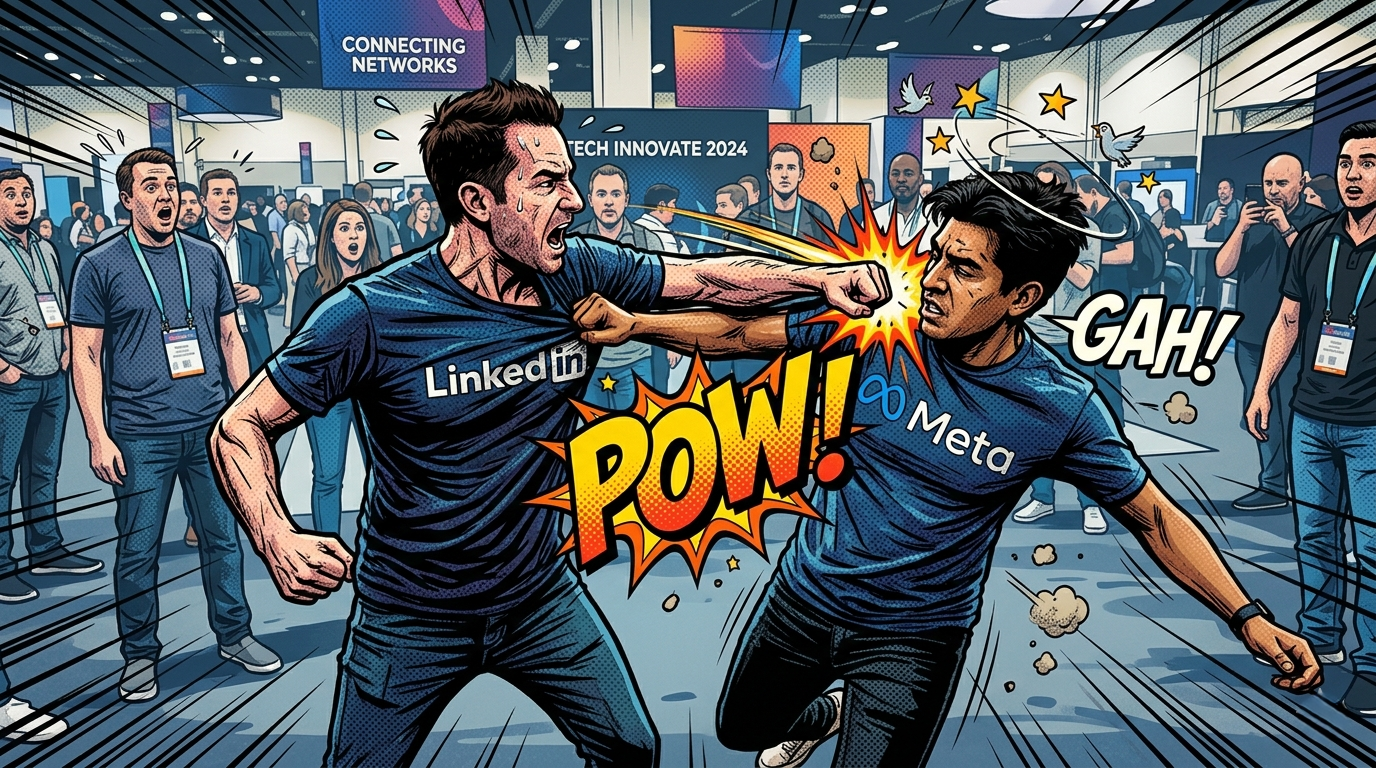
Why LinkedIn Beats Meta for B2B Leads
At first glance, LinkedIn's cost per lead (CPL) looks steep often, 3x higher than Facebook.
But dig deeper: LinkedIn leads convert better. Why?
Users self-select as professionals, boosting schedule rates, show rates, and close rates. For software firms chasing enterprise clients, this means fewer tire-kickers and more qualified prospects ready to discuss custom development projects.
Step 1: Set Up Your Campaign Right
Head to LinkedIn Ads Manager. It's organized into Campaign Groups (for high-level organization), Campaigns (where the magic happens), and Ads (your creatives).
- Campaign Level Tips:
- Choose Lead Generation as your objective it's ideal for starters.
- Set budgets here for better control.
- Pick Single Image Ads (1080x1080 pixels) they outperform in 90% of cases for cold audiences.
Don't overcomplicate with other objectives yet; master this first.
Step 2: Create Ads That Actually Convert
Boring corporate ads get scrolled past. LinkedIn feeds are flooded with blue-washed professionalism stand out to win.
Here are five proven tactics:
- Ditch corporate vibes: Use humor, memes, tongue-in-cheek, or flashy styles. "Boring ads flop, rules apply to everyone."
- Avoid blue: Pick bold, contrasting colors to grab eyes.
- Square format: 1080x1080 pixels takes more feed space.
- Body copy template: "Tired of [problem]? Get [benefit] without [pain]. [Call to action]."
- Headline template: " [Bold claim] for [audience]. Here's how "
Bonus template: Problem + Agitate + Solution visual with emojis for zing.
Test 5+ variations per campaign. Winners emerge fast.
Step 3: Target Your Ideal Audience Precisely
LinkedIn's superpower is B2B targeting, don't squander it on interns.
Build three audience structures (run separate campaigns for each):
- Job Titles: E.g., "CTO," "VP Engineering" (but note free-text field, so test broadly).
- Job Function + Seniority: E.g., "Information Technology" + "Director" (use AND logic, not OR).
- Wild Card Mix: E.g., "HR" function + "Seniority" + "Company Growth >5% yearly."
For software sales, target HR leaders for talent acquisition tools or engineering heads for dev services. Test all three - one crushes the others. Minimum: 3 campaigns x 5 ad variations = data goldmine.
Step 4: Turn Off LinkedIn's Conversion Killers
LinkedIn auto-enables budget-drainers that inflate metrics but tank quality:
- LinkedIn Audience Network: Off. It shows ads on third-party sites (often bots), ruining lead quality.
- Audience Expansion: Off. This broadens beyond your targets, negating precise B2B power.
One agency lost conversions to these defaults - don't repeat it.
The Real Success Driver: Your Offer + System
Great ads flop without a killer offer. Pair this with a full client acquisition framework (like Controlled Growth) for schedules and closes. For Salhurry clients, this means turning LinkedIn leads into software project wins.
Ready to scale? Start small, test ruthlessly, and watch qualified leads roll in.

Kasinathan
GTM strategist